LivePace Features
LivePace is different to other running apps; this is what it can do and how it looks... (These screenshots are from the Android version, but it's fairly similar on other platforms)
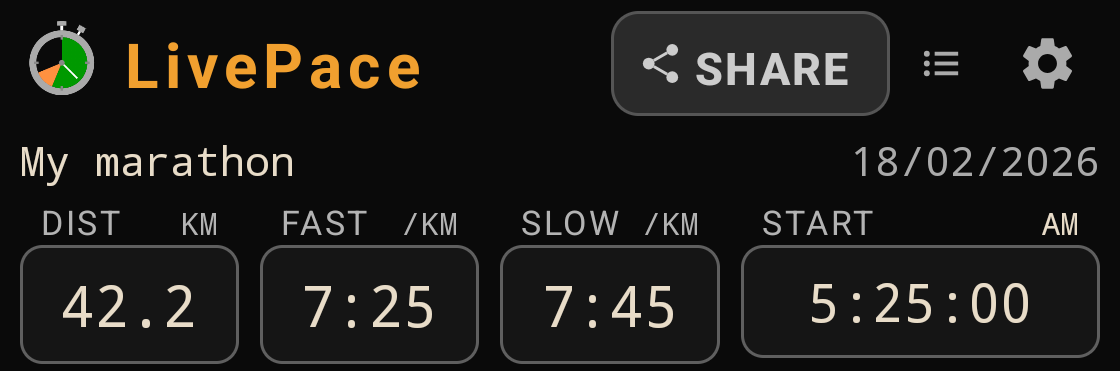
Target Distance and Pace Range
LivePace allows you to start out by setting the distance of the race and your expected pace range, as well as the start time. This is used for calculating everything else in the app; the start time will be adjusted to your actual start time when you start the race.
History and Checkpoints
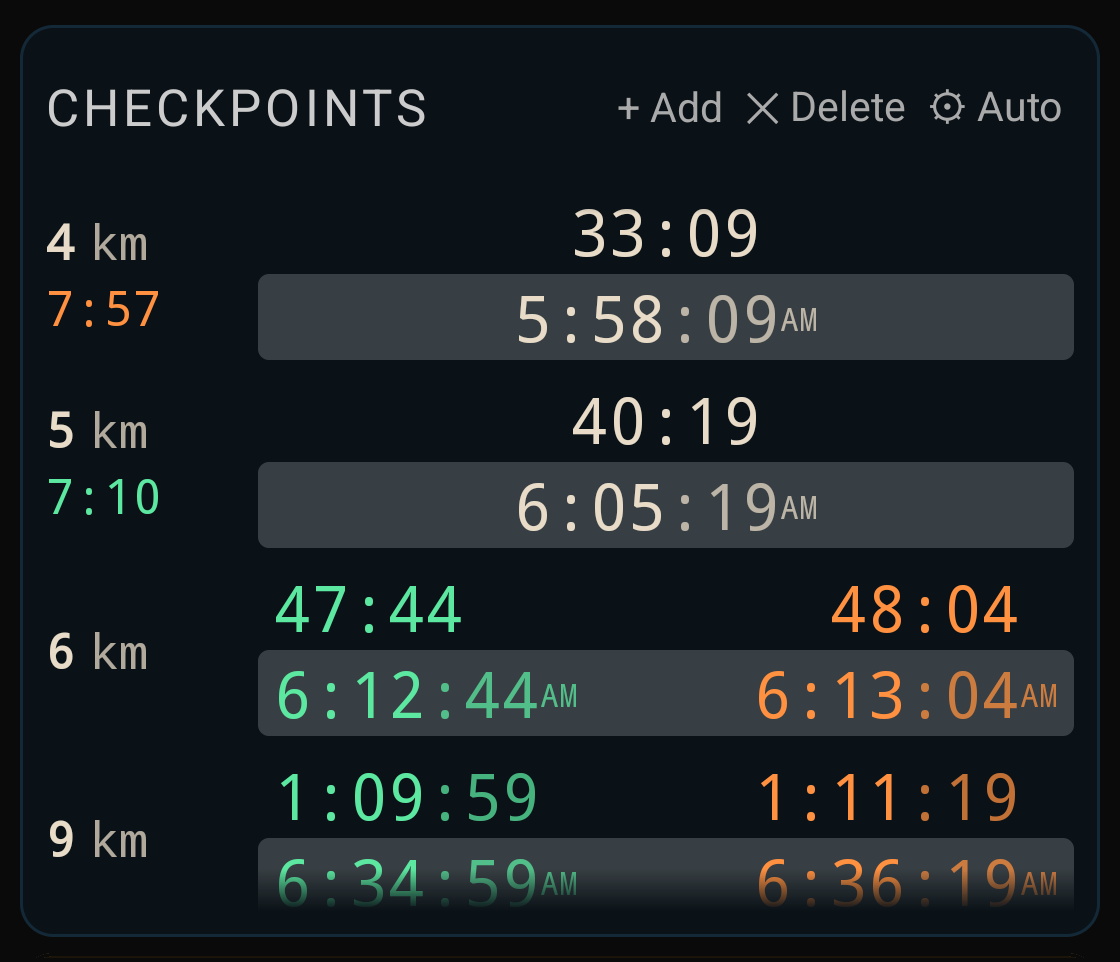
The app shows marked progress, rests and checkpoints in a sequence, focusing on the recent points passed and up-and-coming checkpoints. Passed points show the average pace up to that point.
By default, it shows both elapsed time since the start of the race, and wall-clock time, but this can be changed in the settings.
Predicted Finish
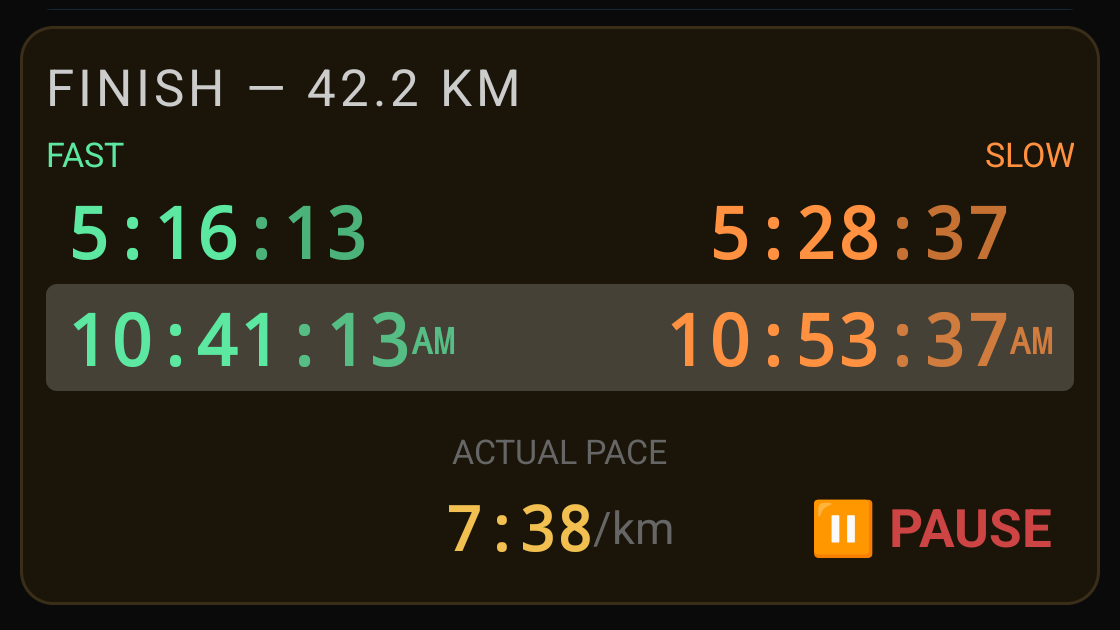
The predicted finish time (fasted and slowest expected, based on the target pace range) is always prominently displayed, along with the current effective pace (excluding rest breaks) and an option to pause during the race, or stop at the end.
Keeping track of progress
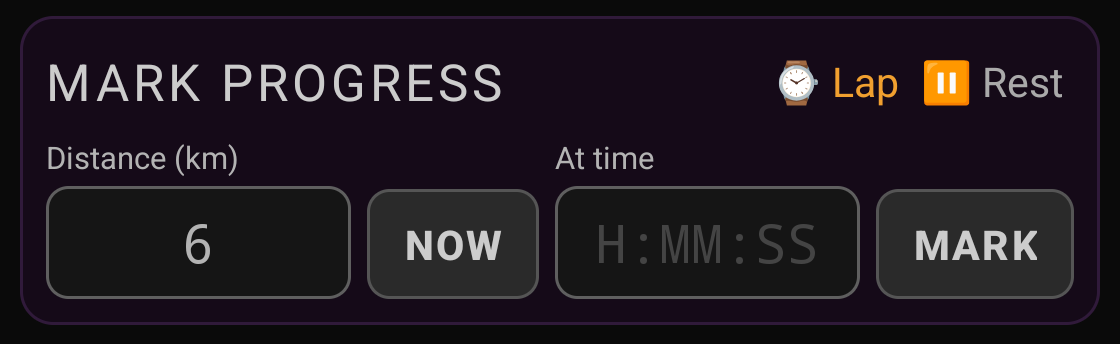
The next checkpoint can be easily marked as you pass it by simply tapping Now; alternatively you can manually enter a distance and time. Rest breaks can also be entered manually.
Sharing progress
Tapping on Share will automatically generated a progress update message and allow you to select the messaging app and contact you want to share it with:
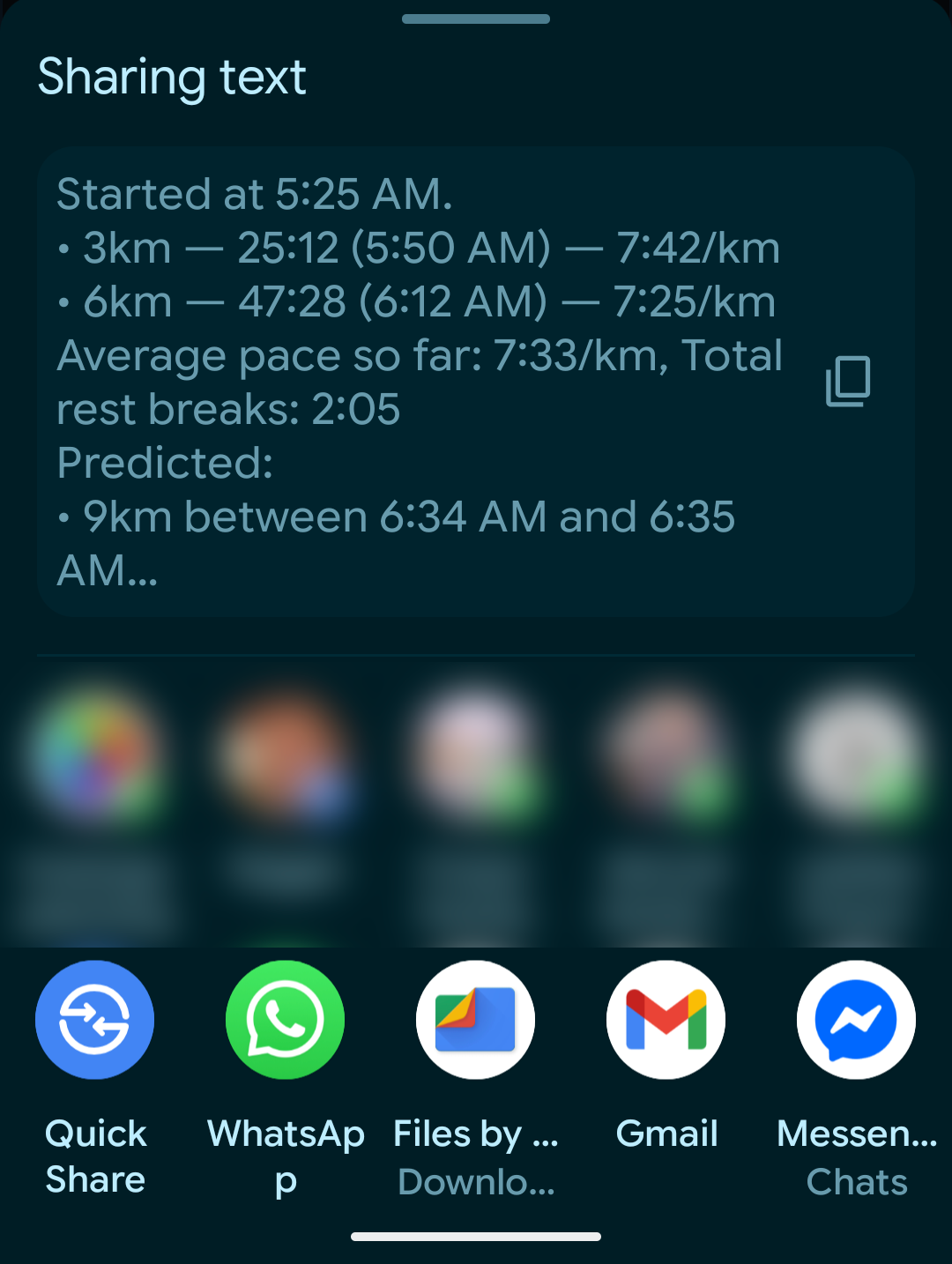
This can be used for supporters who want to cheer you on at a certain point, or meet you at the finish time, or just keep informed of how you're doing...
Settings
You can switch whether to show wall-clock times (time of day), elapsed time (since the start of the race), or both. Time of day can be displayed in 12hr (AM/PM) or 24hr mode.
You can also choose whether to use km or miles (the app will auto-adjust existing entries)
Multiple Races
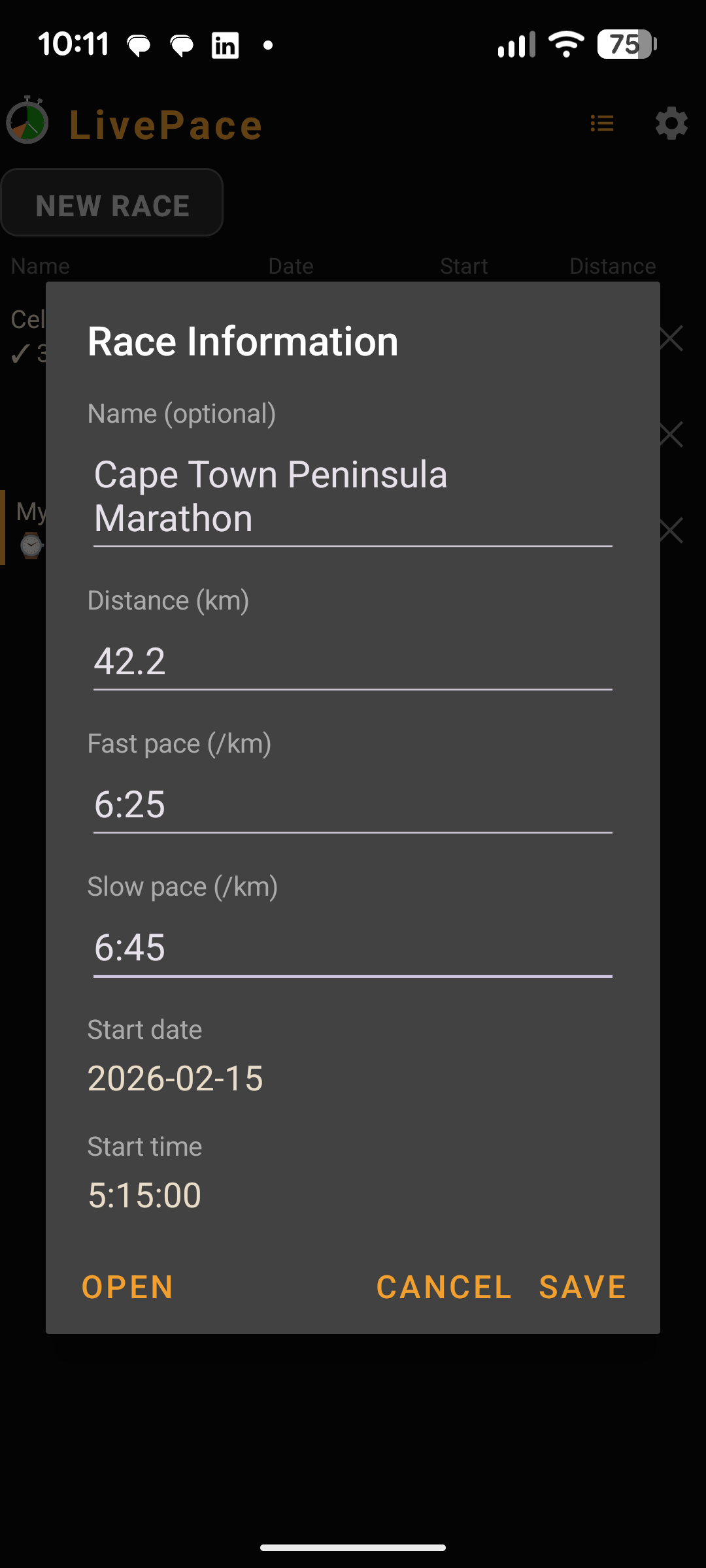
LivePace can keep track of multiple historical, current and planned races. There is a list view that shows you all the races you have, and lets you edit their information. You can also open them to see all the detailed information in the main screen.